A branded owner Passport
Each customer gets a live, branded record of their system — with your company on it — so you're the name they see when the system needs attention.
CONTRACTOR RETENTION & SERVICE REVENUE
Professional closeout gets you into the building. The owner Passport — with live warranty tracking and a Request Service button that routes back to you — keeps your company in front of the owner for future service, upgrades and replacements.
Turn each completed project into a channel for future service · already have an account? Log in
THE REAL COST
You spent money bidding, installing and closing out the job. Then the record goes cold: warranties expire without you, equipment ages, service needs pop up — and the owner calls whoever's easiest, not you. One recovered service call, replacement or upgrade can be worth more than the entire project fee. TradeStack Passport keeps you attached to the building, the equipment and the warranty dates, so the owner can access project records and request service after handoff.
HOW IT KEEPS YOU IN THE ACCOUNT
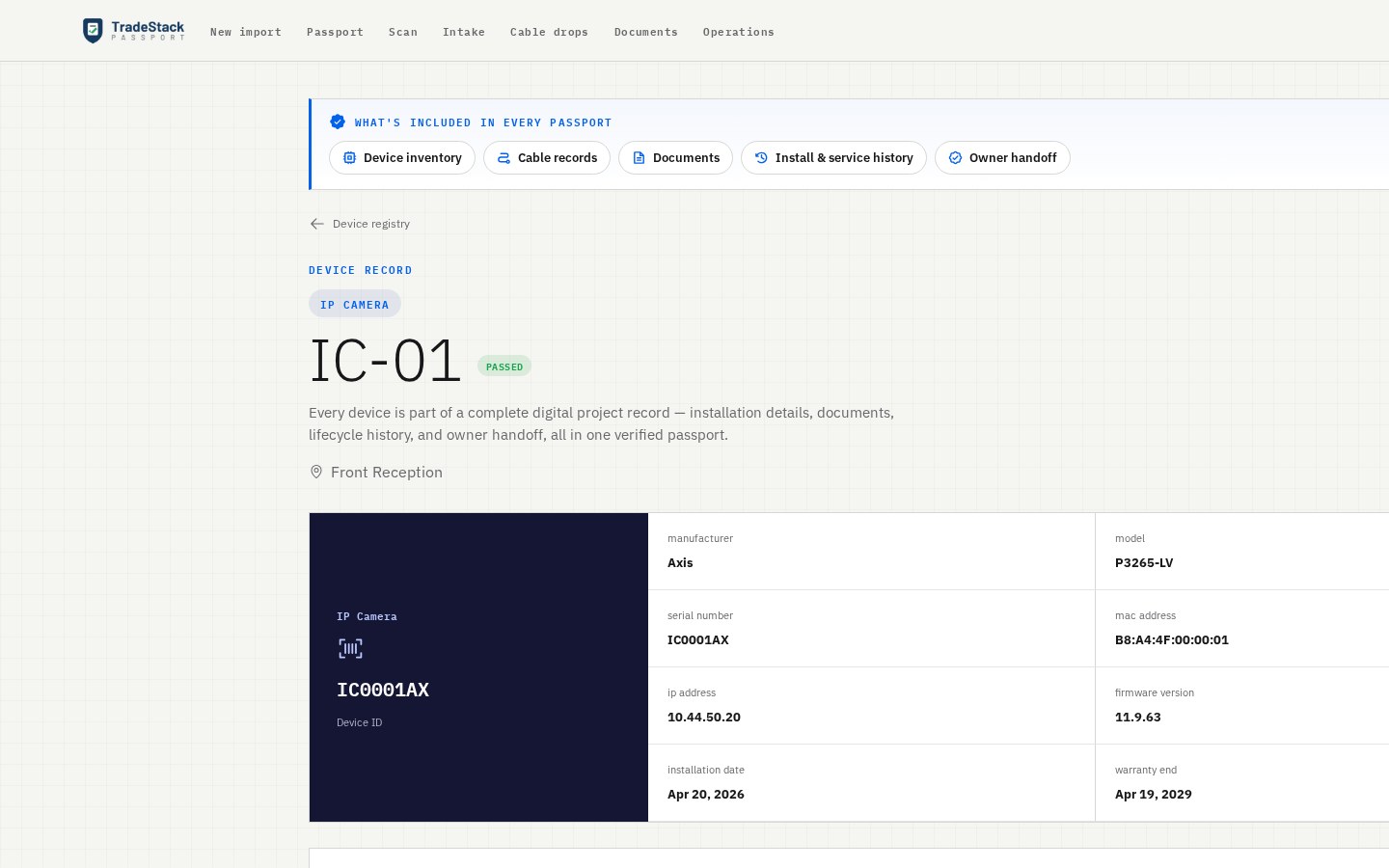
Each customer gets a live, branded record of their system — with your company on it — so you're the name they see when the system needs attention.
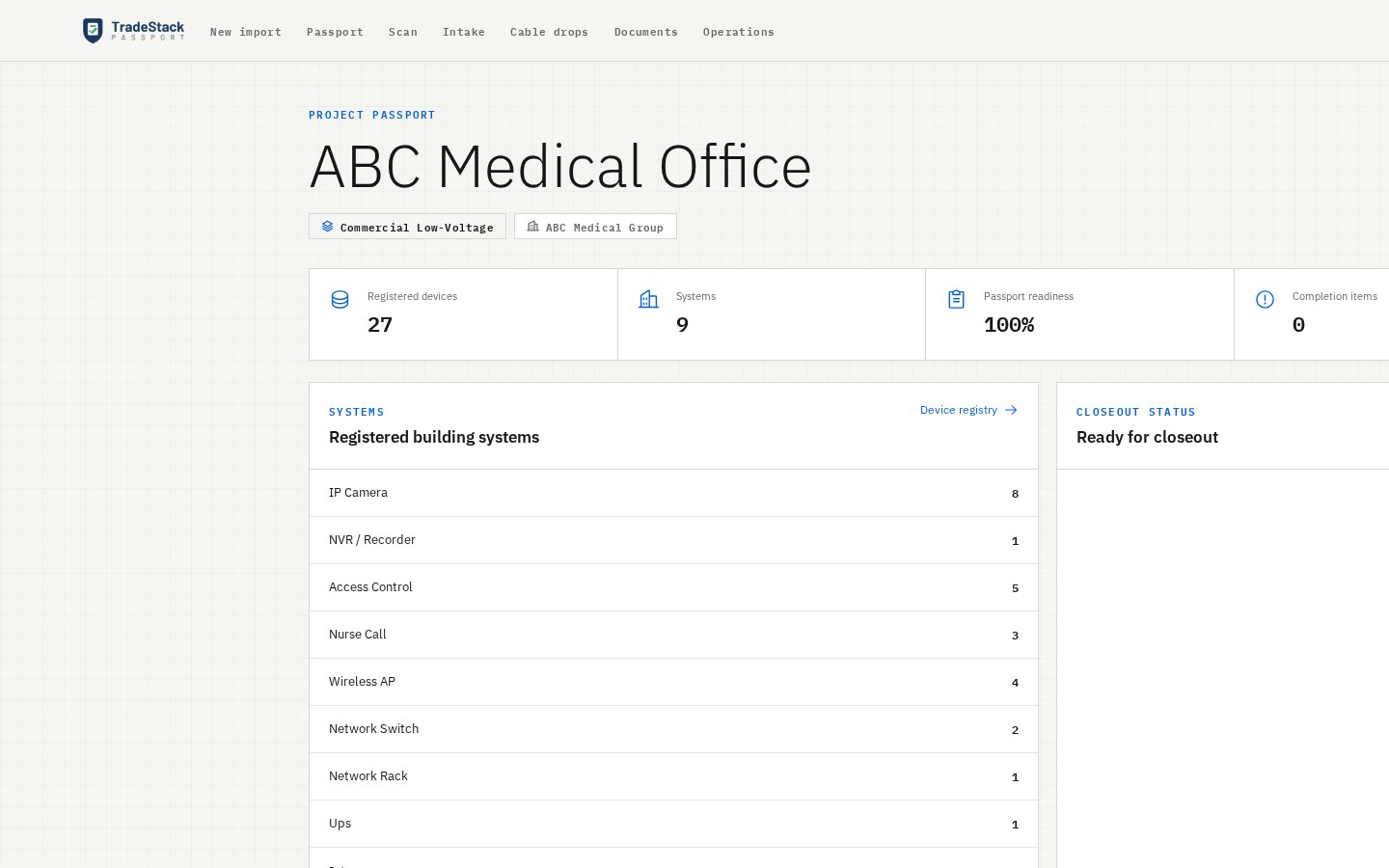
Warranty start and end dates stay tied to each installed device. Know exactly what's covered, what's lapsing, and when it's time to get back into the account — before your customer calls someone else.
The owner's portal has a Request Service button that sends the job straight back to the contractor who installed the system. Each completed project gives the owner a direct way to request service, replacements and upgrades from you.
Every camera, reader, switch, AP and rack — make, model, serial, MAC, IP, firmware, location and warranty — so you have the exact system in that building on record.
Technicians scan or type from their phone browser — no app install. Devices and cable drops flow straight into the project record.
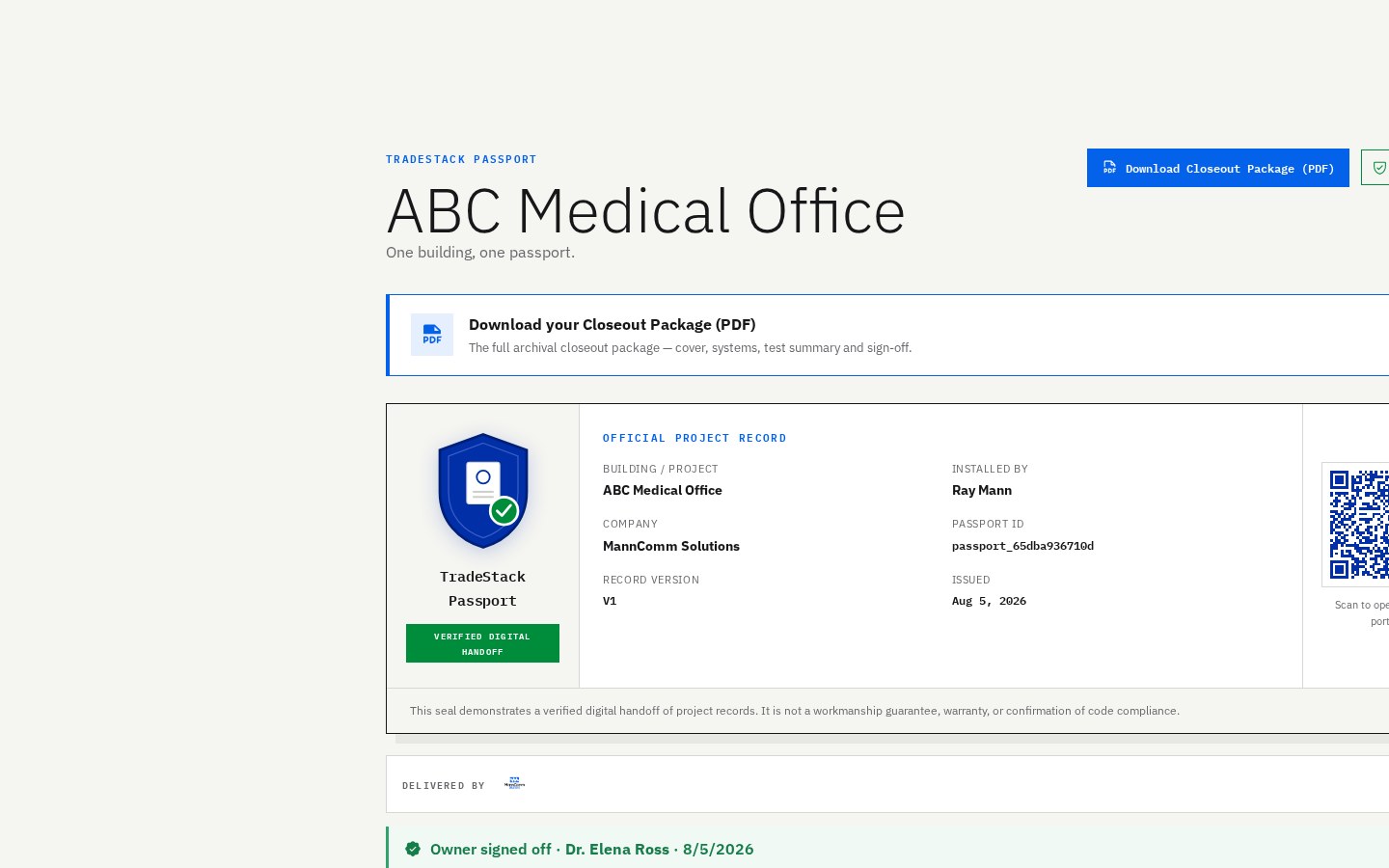
A print-ready closeout package with the full registry, cable schedule, QR and a Passport seal — a professional, organized project handoff. The PDF supports the story; the relationship is the value.
SEE IT IN ACTION
2-MINUTE WALKTHROUGH
Watch how a contractor captures the system, hands the owner a branded Passport, and stays connected to the account for future service calls and upgrades.
SAMPLE PROJECT — FICTIONAL DATA
This sample owner Passport uses a fictional ABC Medical Office project — it shows the branded record your customer receives. They see the installed equipment and warranty dates, and a Request Service button that comes straight back to you. Open the portal to see the relationship the Passport creates.
WHO IT'S FOR
If you install and hand off systems, TradeStack Passport gives you a professional closeout — and a direct connection to each account for future service and repeat work.
FAQ
It's a contractor retention and service-revenue platform for commercial low-voltage teams. Professional closeout is the entry point: you record and test the system, and hand the owner a branded Passport. That Passport keeps warranty dates tied to the equipment and gives the owner a Request Service button that routes future work straight back to you — so each completed project stays a channel for service, upgrade and replacement work.
No. Everything runs in the browser, including field capture — technicians scan a device's QR/barcode right from their phone. Owners open their handoff portal with a simple link.
Yes — open the sample Passport (sample project, fictional data) or download its Closeout PDF from this page. Creating an account and preparing a project is free.
Commercial low-voltage teams: security/CCTV, access control, ERCES/public-safety DAS, structured cabling, AV and networking contractors who install systems and hand them off to owners.
A branded owner Passport — a live, read-only portal (plus a branded PDF) with the full equipment record, warranty dates, cable records and a Passport seal. It also gives them a Request Service button that connects them right back to you whenever the system needs attention.
Creating an account and preparing a project is free. The $750 project fee, including for your first project, is due before you issue that project's Passport.